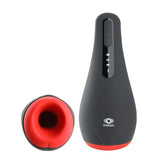
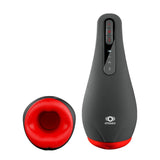
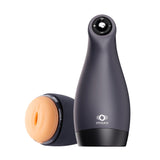
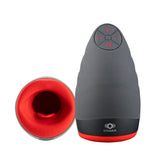
OTOUCH Cleaning & Maintenance Guide
A simple care routine helps keep your OTOUCH device clean, dry and ready for its next use. Start with the instructions for your exact model: removable sleeves and electronic housings may require different cleaning methods.
Check which parts can be cleaned with water
Identify the removable sleeve, outer housing, controls and charging contacts before cleaning. A washable sleeve does not make the whole device waterproof. Do not assume that products in the same series share the same water-resistance rating.
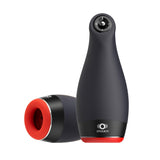
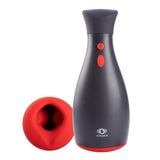
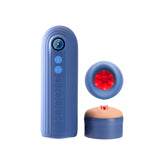
- AIRTURN 4: the current product care instructions say to remove the inner sleeve for rinsing and keep the main body out of water.
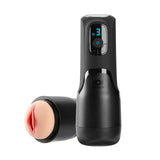
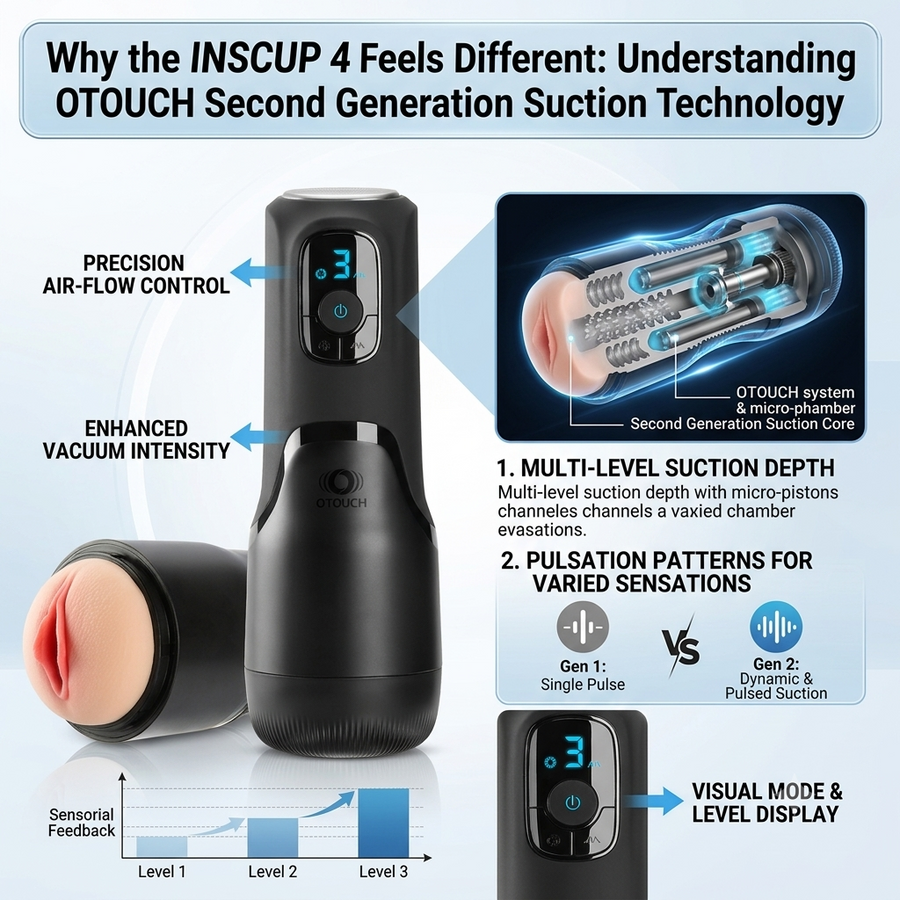
- INSCUP 4: remove the inner sleeve for cleaning. Do not rinse or submerge the main unit.
- Other models: follow the water exposure and cleaning instructions in the manual for that exact device. A water-resistance rating does not replace the manufacturer's usage instructions.
If the product page, packaging and manual give different instructions, do not expose the electronic body to water. Contact OTOUCH support with the model name before proceeding.
Clean after each use
- Switch off and unplug the device. Remove only the parts that the manual identifies as detachable.
- For a washable removable sleeve, rinse away residue using the water temperature and cleaning method specified in the manual. If a cleanser is recommended, use only one compatible with that sleeve material.
- Clean the electronic housing using the method specified for the model. Keep liquid away from charging contacts, ports and openings on a body that is not waterproof.
- Rinse any washable parts as directed to remove cleanser residue, then let them dry completely before reassembly.
Do not boil a sleeve, place it in a dishwasher, or use alcohol, bleach or other harsh cleaners unless the manual explicitly permits that treatment. Avoid sharp tools and abrasive brushes that may damage the surface.
Dry fully before storage
Check both the outside and the internal channel of a sleeve. An exterior that feels dry can still contain moisture inside. Allow the parts to dry in a clean, ventilated area; do not seal a damp sleeve inside the device.
Use a drying accessory only if it is compatible with your model and follow its instructions. Do not use a hair dryer, radiator or other heat source unless the manufacturer permits it. A drying accessory is not a substitute for cleaning.
Choose compatible lubricant
The current care instructions for AIRTURN 4 and INSCUP 4 specify water-based lubricant. For other models, check the manual and material guidance before use. Do not assume that oil-based or silicone-based lubricants are compatible with every sleeve.
Store and charge with care
- Store clean, fully dry parts in a clean pouch or their designated storage case, away from dust, direct sunlight and excessive heat.
- Keep sleeves separate from other soft materials if the manual recommends it.
- Before charging, check that the charging cable, contacts and port are dry and undamaged. Use the supplied or specified cable and power source.
- Do not charge in a wet area or use a device with a swollen battery, damaged housing or unusual overheating.
Inspect before the next use
Check for tears, cracks, persistent odor, visible contamination, damaged cables or changes in the sleeve surface. Stop using a damaged or contaminated part and ask support about inspection or replacement. Stop use if you experience pain, numbness or irritation; seek medical advice if symptoms persist.
Frequently asked questions
Can I rinse the entire device?
Only if the manual for your exact model permits it. AIRTURN 4 and INSCUP 4 care instructions require cleaning the removable sleeve separately and keeping the main body out of water.
How often should I clean it?
Clean after every use, and follow the manual's instructions before first use and after storage. Washable components must be fully dry before reassembly.
Do I need a cleaning or drying accessory?
Follow the required care routine in your manual first. A compatible accessory may make maintenance easier, but it does not replace proper cleaning or allow a non-waterproof body to be rinsed.
What if the care instructions are unclear?
Check the user manuals or contact support. Include your model name and a photo of the part you are asking about. For a product fault, also include your order number.
Need help with your model?
Check your manual or contact OTOUCH with the model name and a photo of the part you are asking about.
Related help: New to OTOUCH? Start here · Quality and warranty support